Linux, built into one whole system
Fresh packages, a fixed configuration — and everything reversible.

What you get
Reversible by default
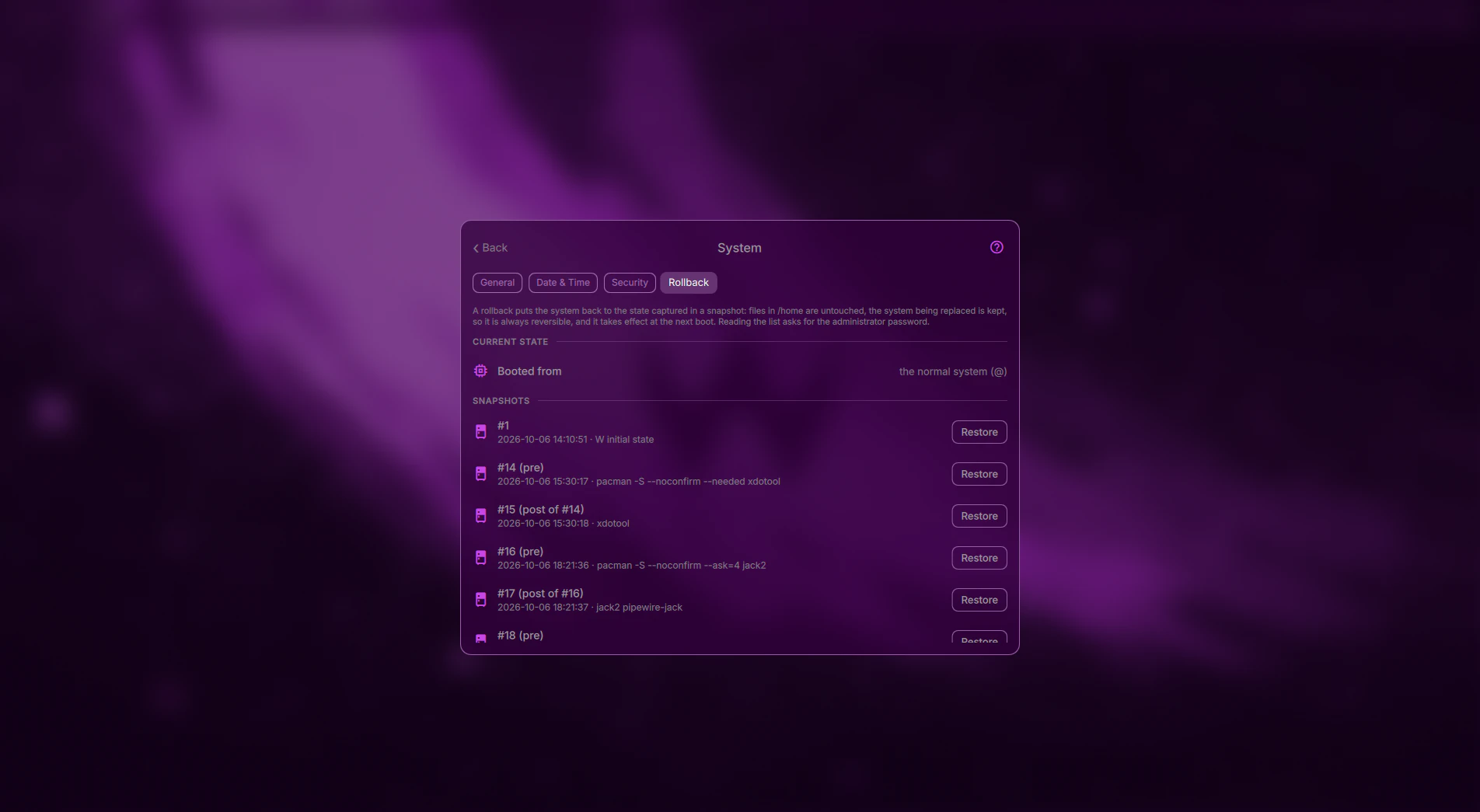
Every package transaction and every W update is preceded by a Snapper snapshot. Boot an older system straight from the boot menu, or roll back from the Hub.
Read more →One theme for everything
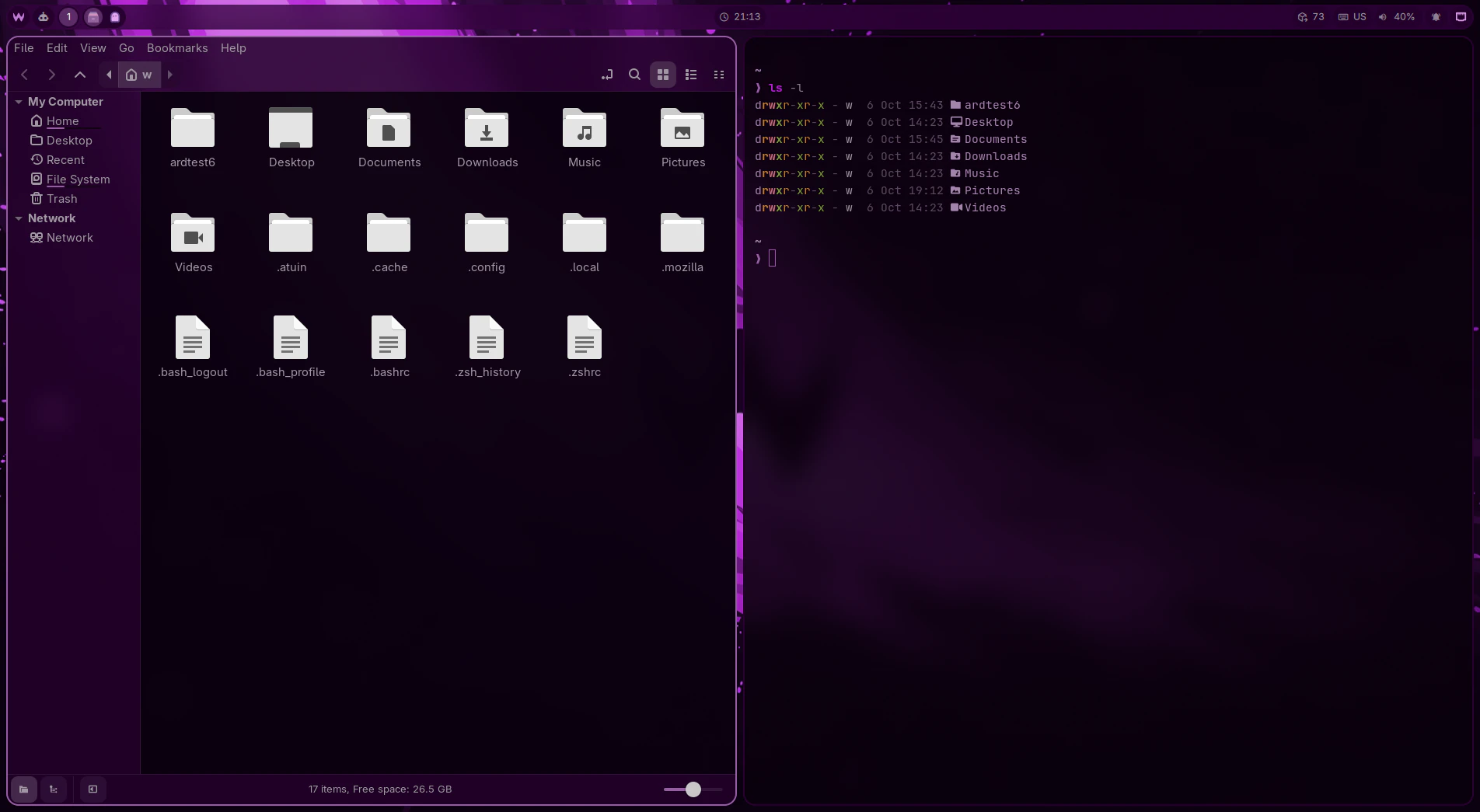
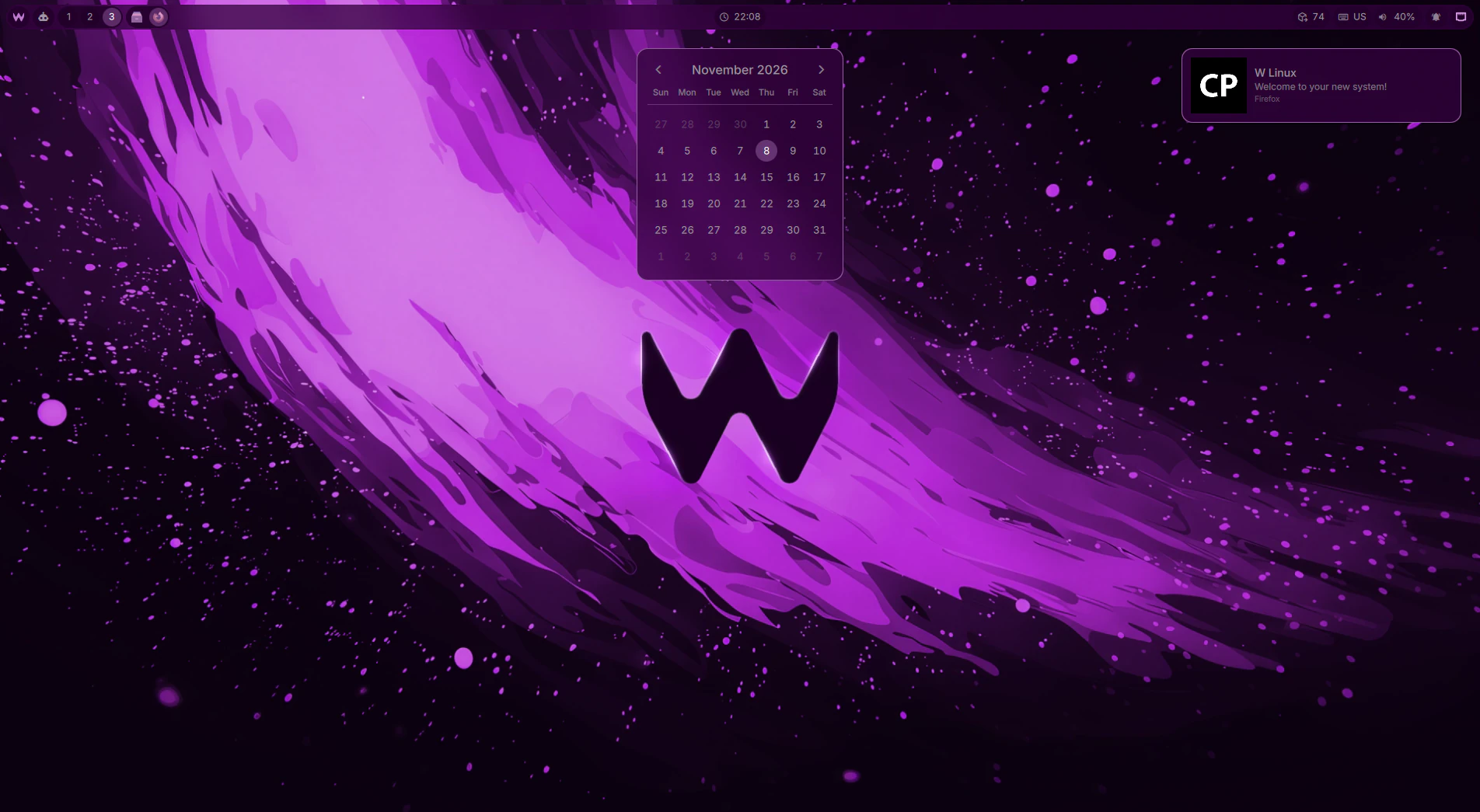
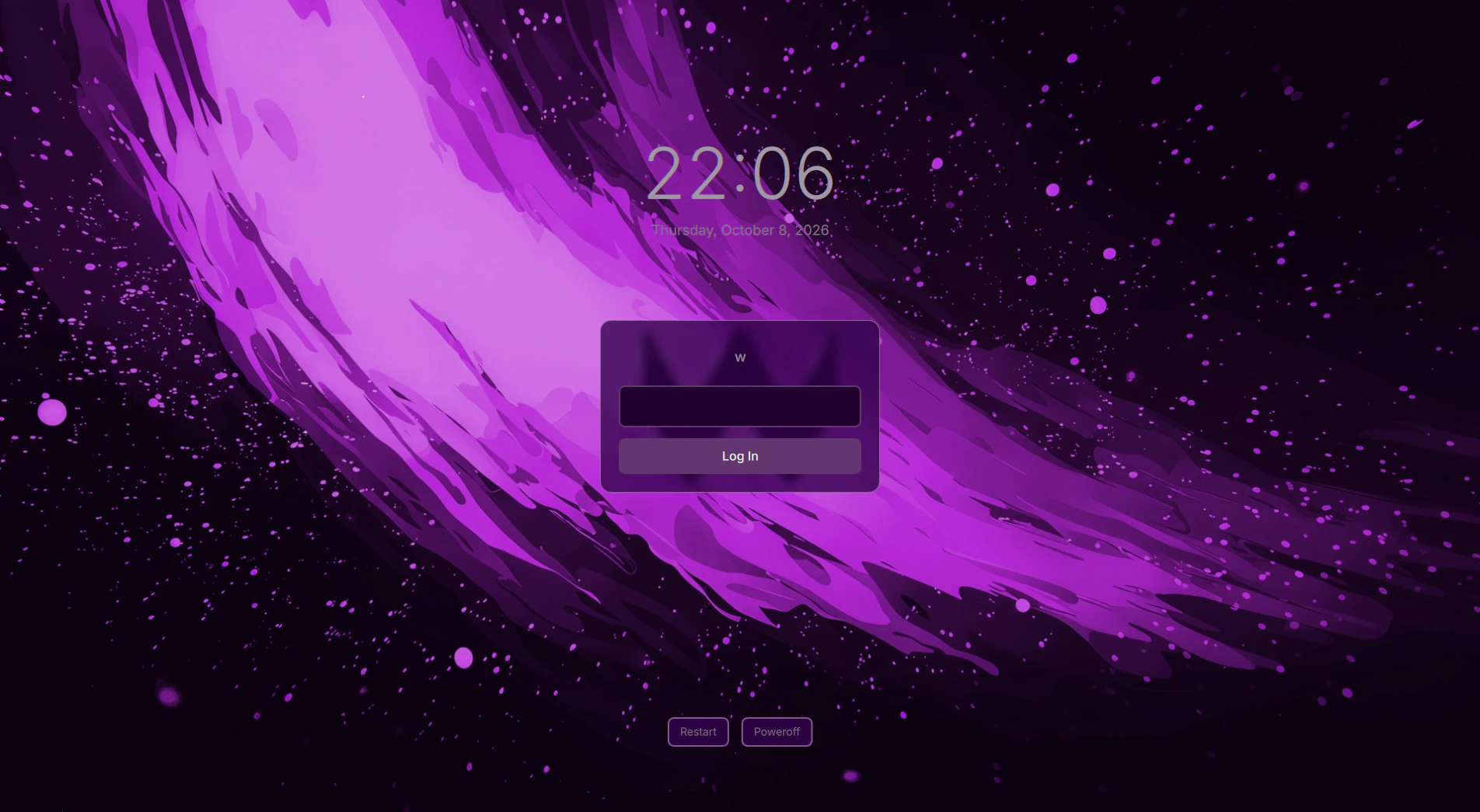
w-style paints more than thirty applications — the shell, terminals, GTK and Qt, Firefox, the boot splash — from one palette. A new theme starts from any wallpaper.
Read more →Hyprland + Quickshell
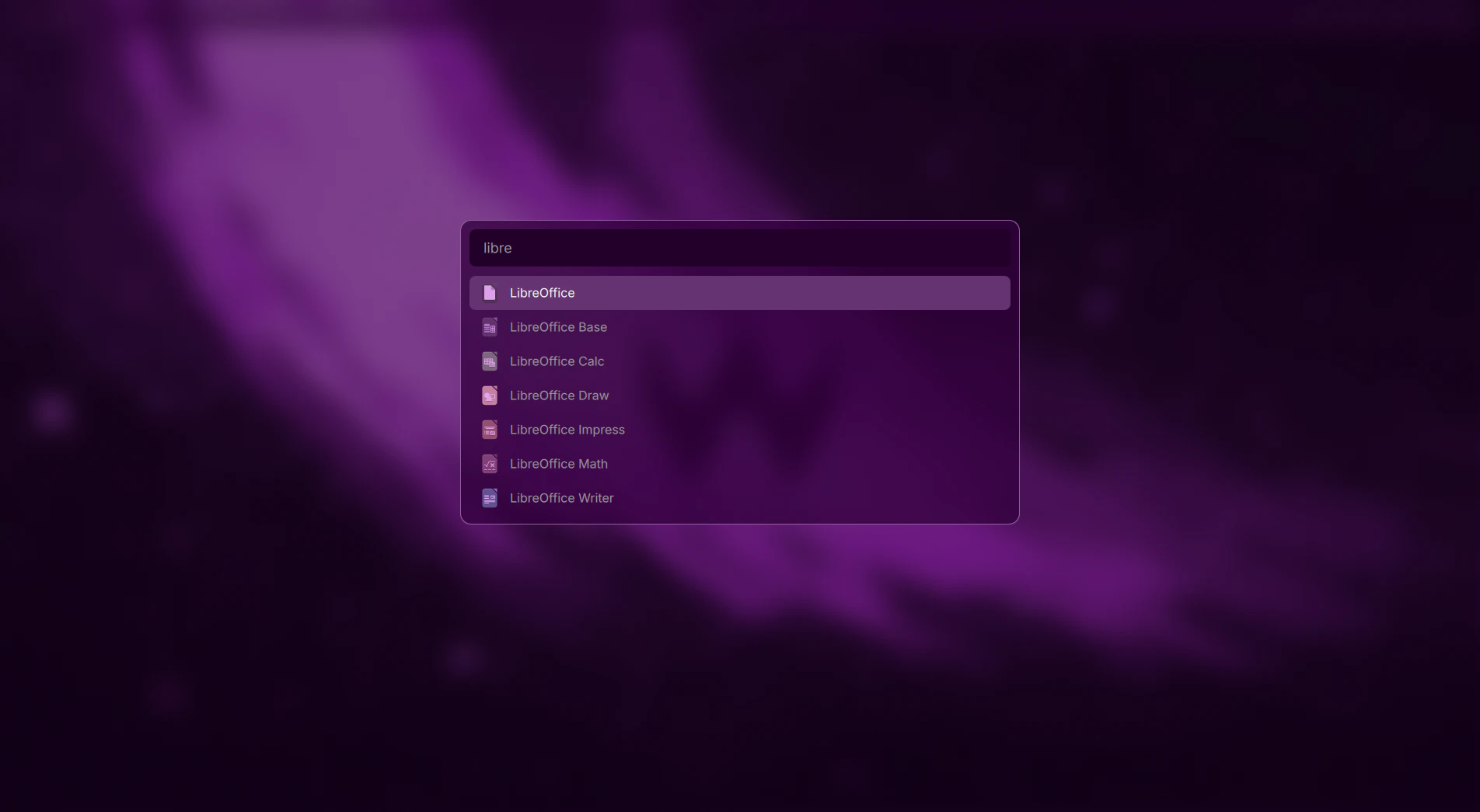
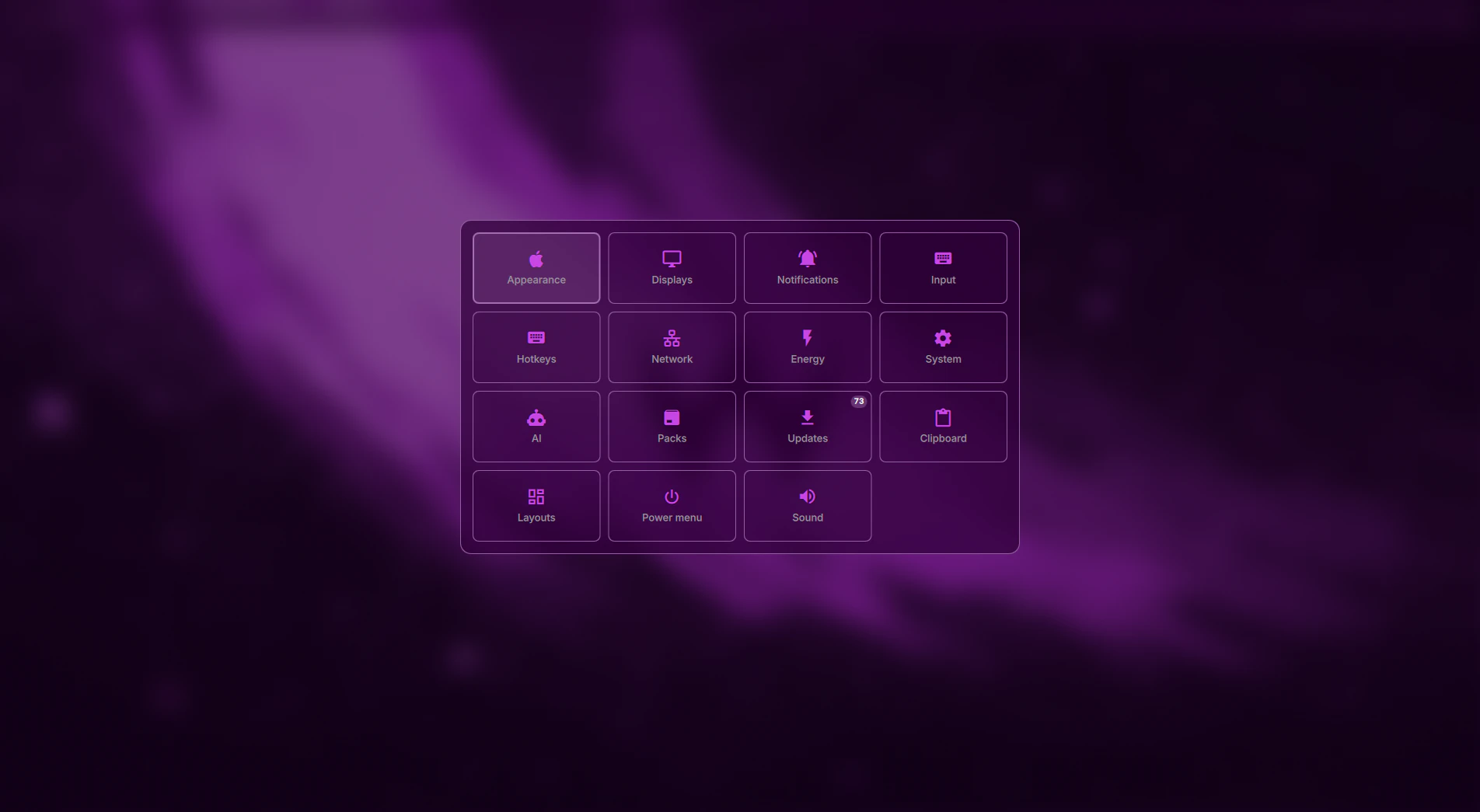
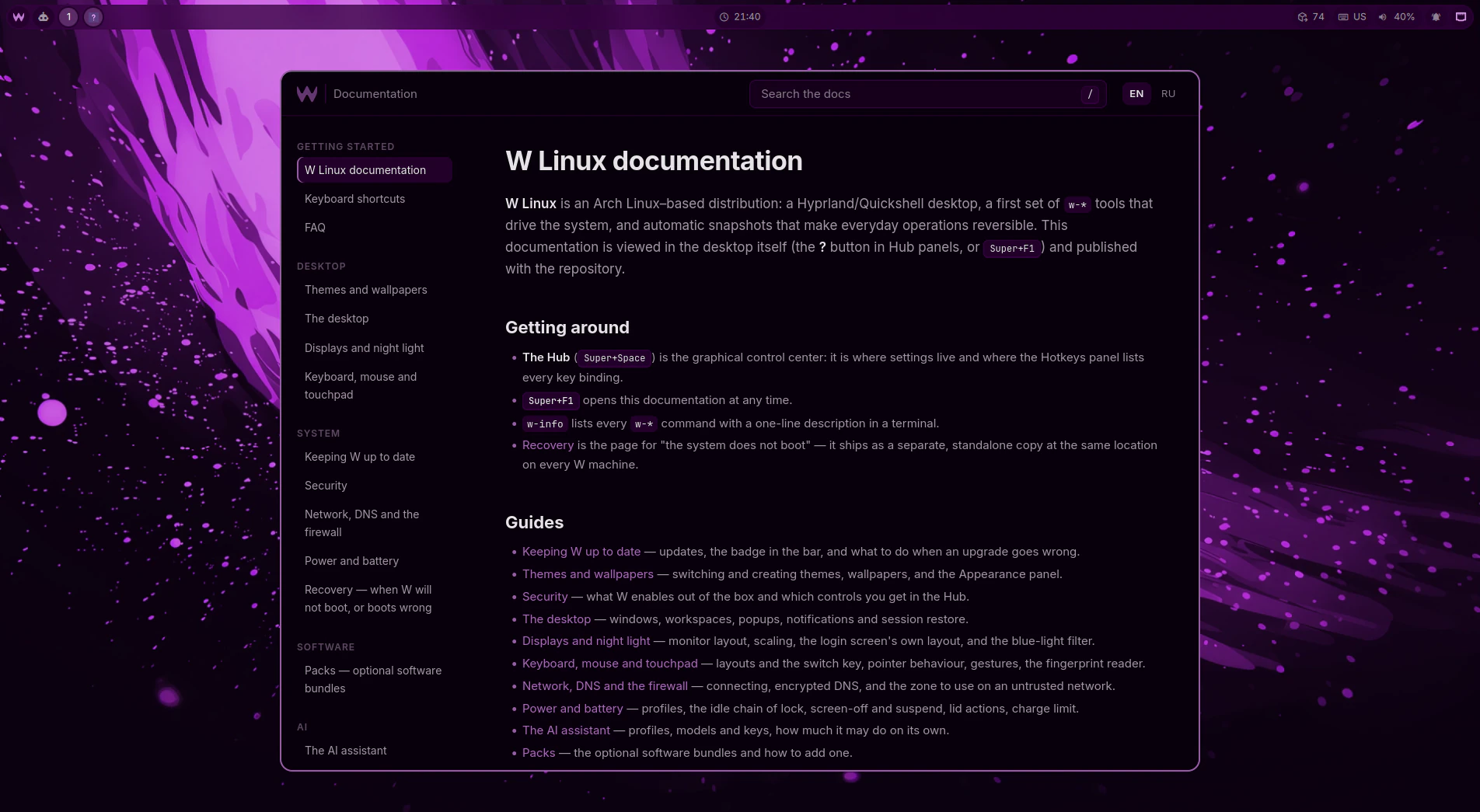
A tiling Wayland compositor with a shell made for it: the Hub for settings, the bar, the launcher — and every surface works from the keyboard.
Read more →Secure out of the box
Optional LUKS2 full-disk encryption unlocked by TPM2, Secure Boot, a firewall and encrypted DNS — set up by the installer, not left as homework.
Read more →AI in the system
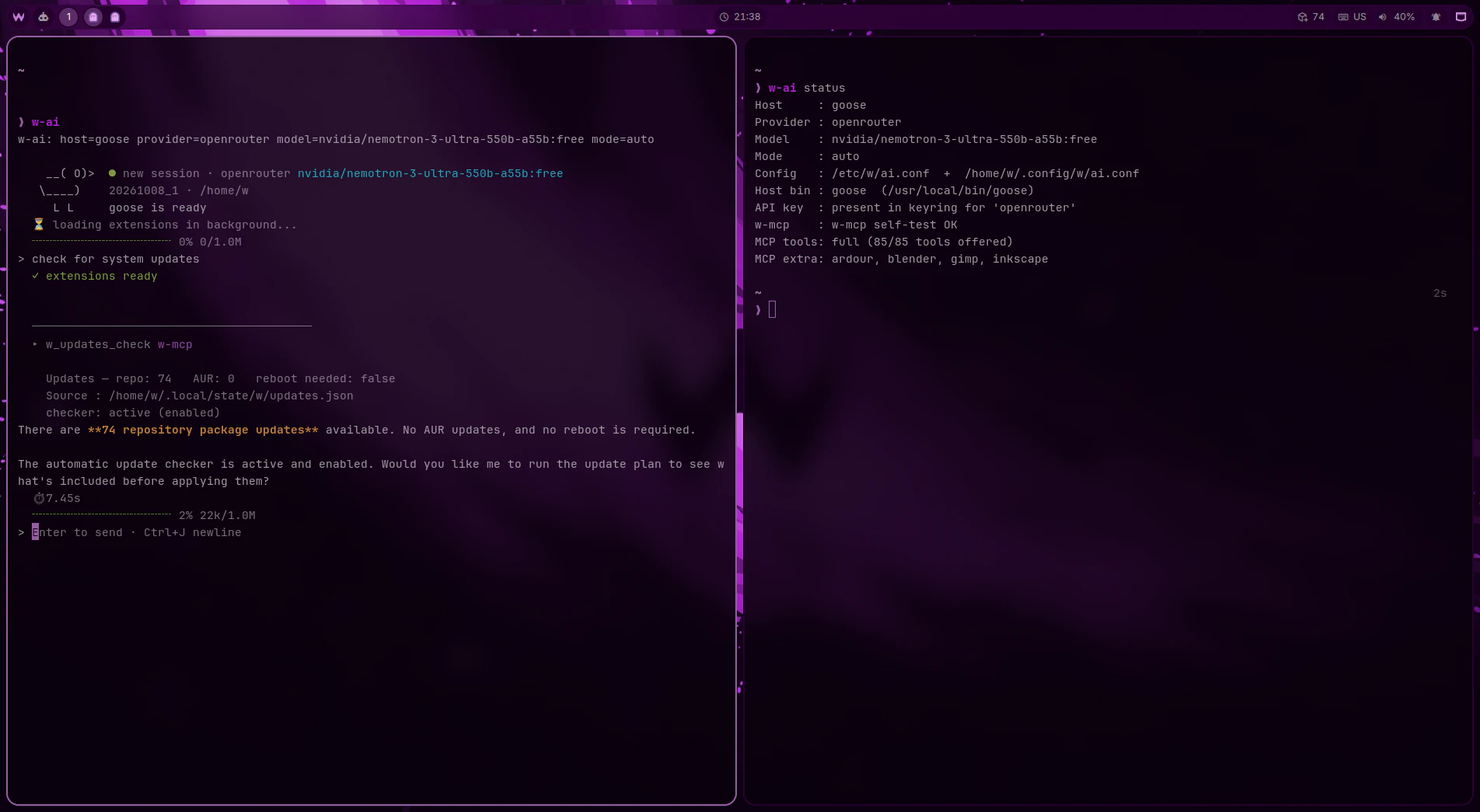
An assistant that knows W and acts through w-mcp with permission tiers. Off until you turn it on; your provider, your keys.
Read more →W-Packs
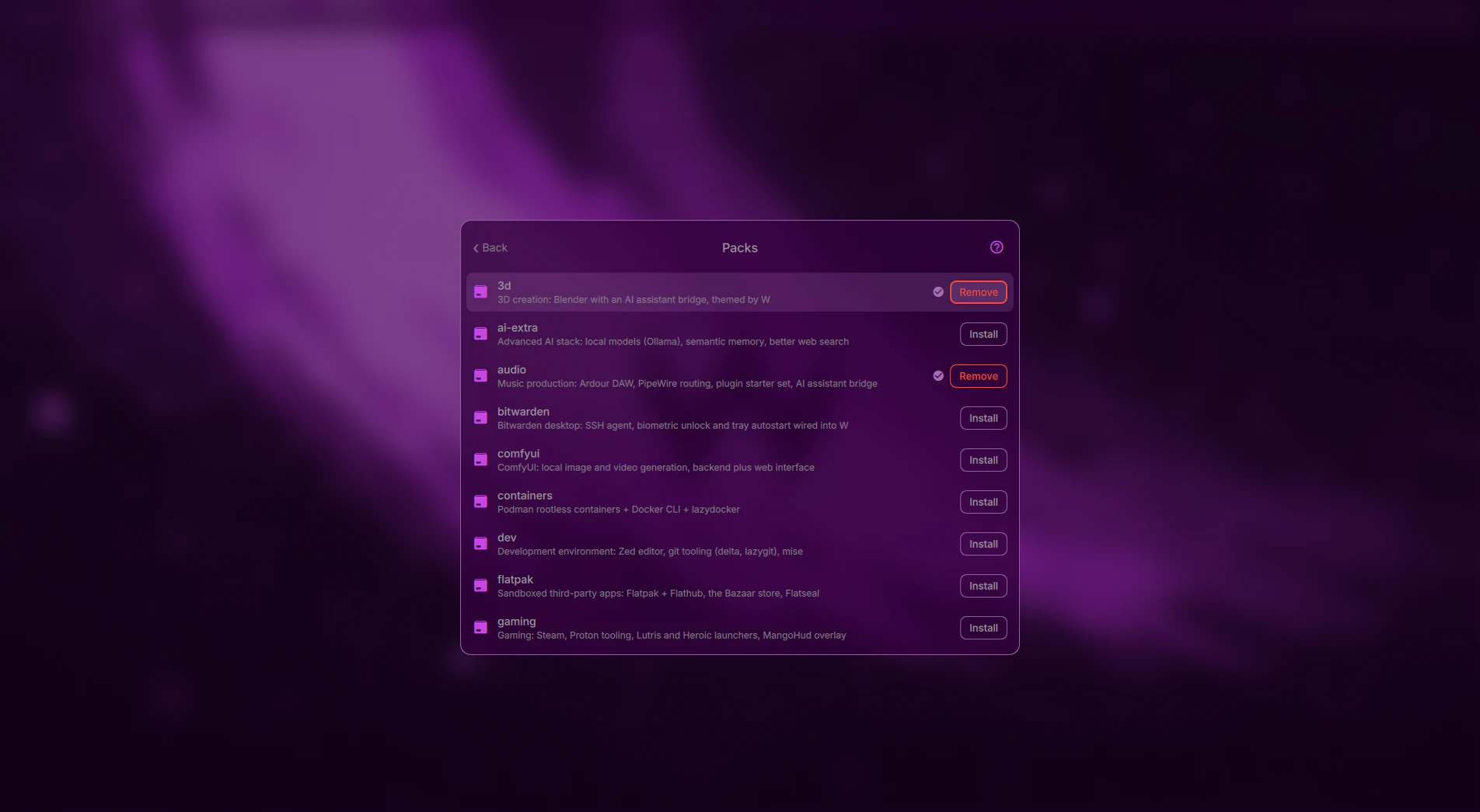
Optional bundles set up end to end — audio production, 3D, development, containers, gaming and more. One command, or one click in the Hub.
Read more →How it works
Boot the ISO
One image, rebuilt every night from the current release, so it installs today's packages.
Answer the installer
A text wizard: disk, encryption, language, users, optional packs. It confirms once before touching the disk.
Stay current
W itself updates from its repository, with a snapshot before every change:
w-sync update
Screenshots